Self-service for marinas and campsites
Guests book, pay and switch on the power – themselves.
BookAStay is the digital harbour office: a live berth map, online payment and control of power, showers and laundry – on the guest’s own phone or on your terminal. No queues, no cash, no opening hours.
24/7
self-service – even when the harbour master is off
kWh
power billed by actual consumption
1 link
for the whole family or crew – share the guest account by SMS or email
0 apps
guests use their own browser
Features
Everything your guests need – in one place
From arrival to departure, guests handle it all themselves. You get the overview – and payment is secured from the first click.

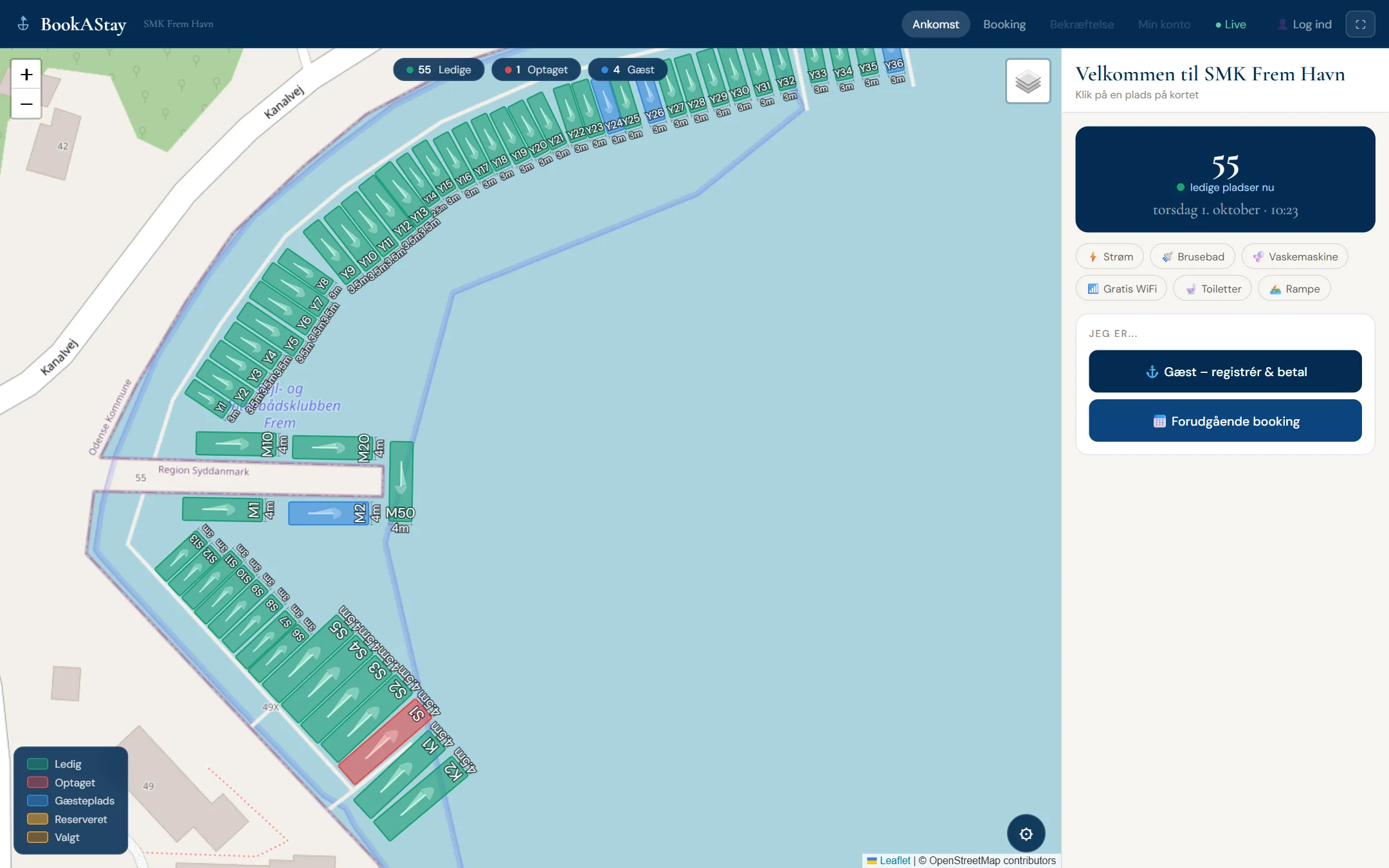
Interactive berth map
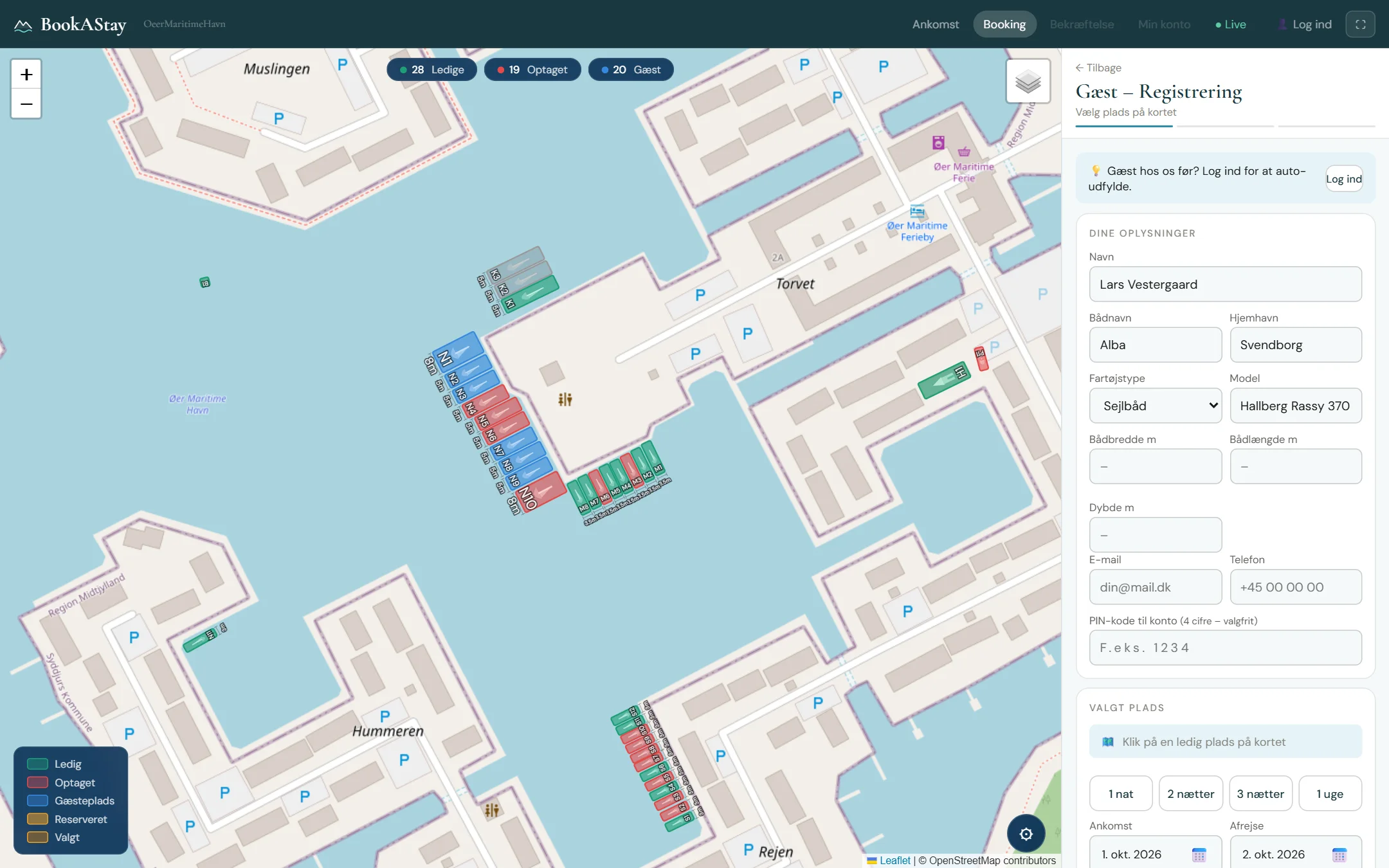
A live map with colour-coded spots: free, occupied, guest and reserved. Guests choose for themselves – on street, satellite or nautical chart.

Booking and payment
MobilePay, Visa, Mastercard and Apple Pay. The amount is reserved at booking and only charged at check-out – so payment is always secured.

Advance booking
Guests reserve from home and check in with a code. Optional fee that can be deducted on arrival.

Power per kWh
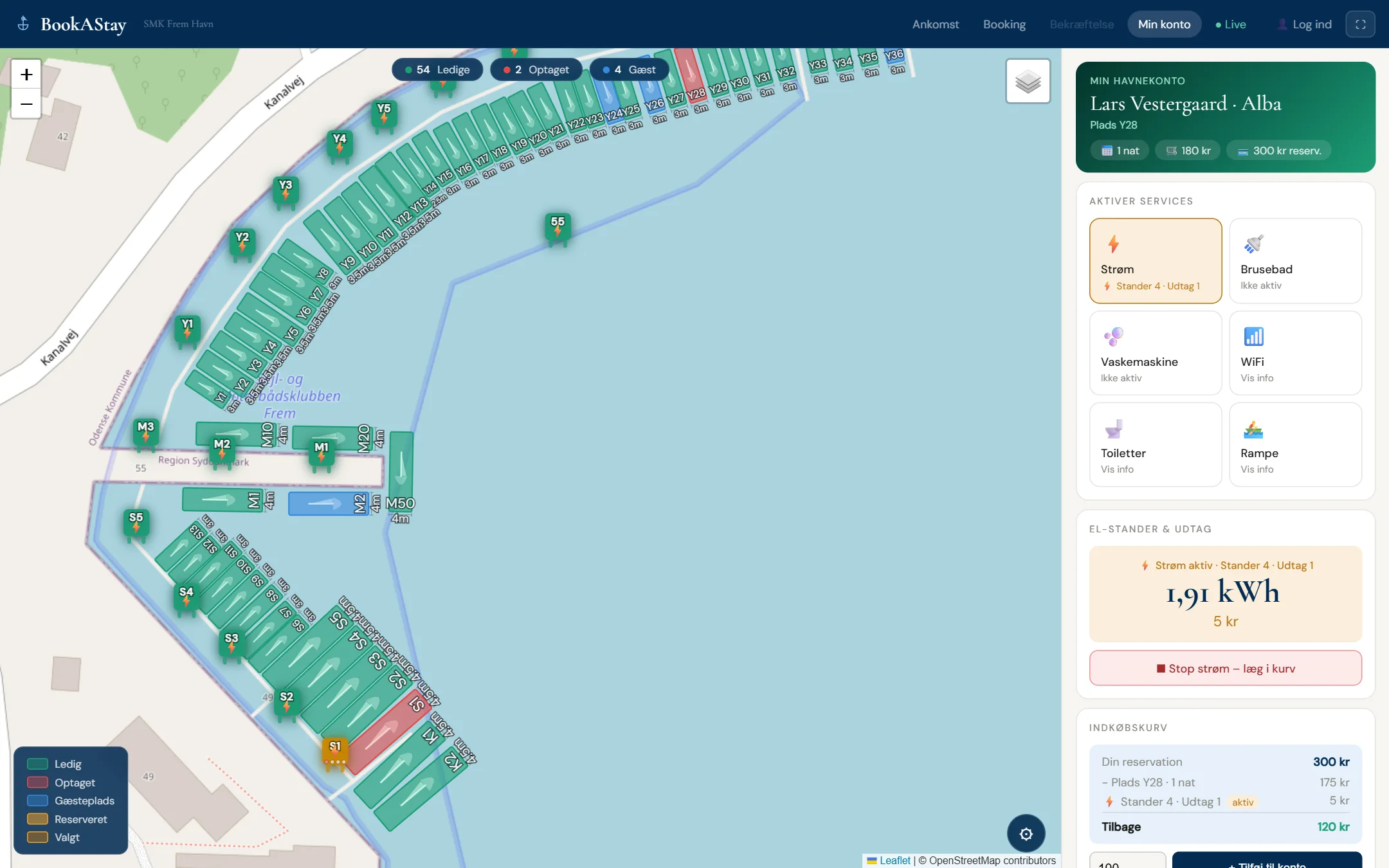
Pick a pedestal and outlet, watch usage live and pay only for what is used. Power packages available.

Showers and laundry
Timers on shower rooms and washing machines. Per-minute or fixed price goes straight into the guest’s basket.

Personal guest account
Stay, usage and basket on a single link that can be shared with the whole family or crew. Guests can extend their stay and check out with one tap.

Seasonal berths and points
Seasonal holders release their berth while they’re out sailing and earn points. Usage alerts and combined invoicing.

Codes and services
WiFi, toilet and workshop codes are shown to paying guests only. Order from the bakery or book a restaurant table.

Admin and pricing
Prices per type, live status, activity log, seasonal holders and forced check-out – all in one admin panel.
Your map
You’re in charge of the map
You draw your own marina or campsite in BookAStay: create berths, place power pedestals and adjust everything right on the map. Guests always see the up-to-date map.
- Create, copy and delete berths – drag them into place on the map
- Type, width, length, depth and price per berth
- Mark guest berths and choose allowed unit types
- Move and rotate a whole section at once
- Place power pedestals and set the number of outlets
Screenshots
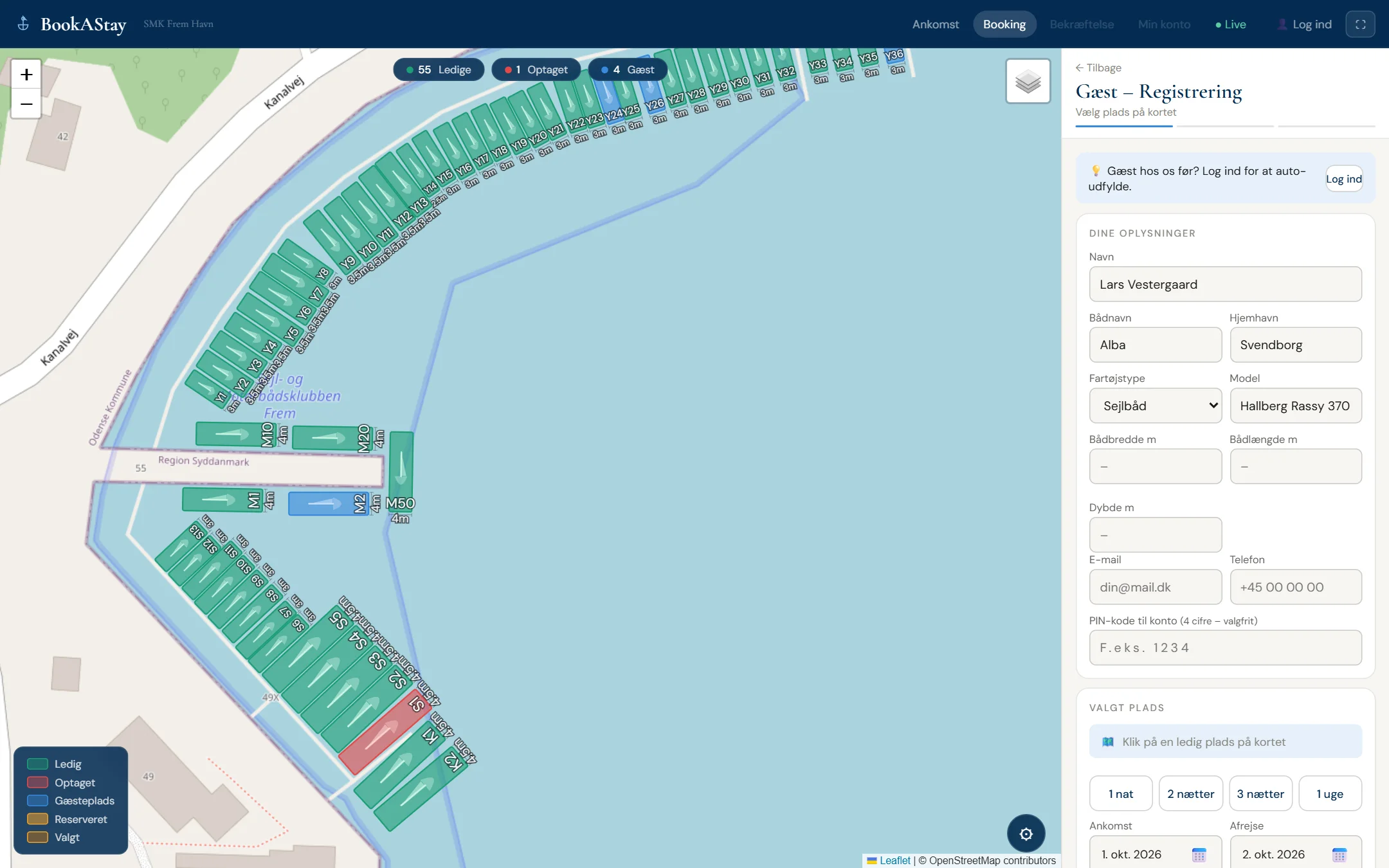
What your guests see
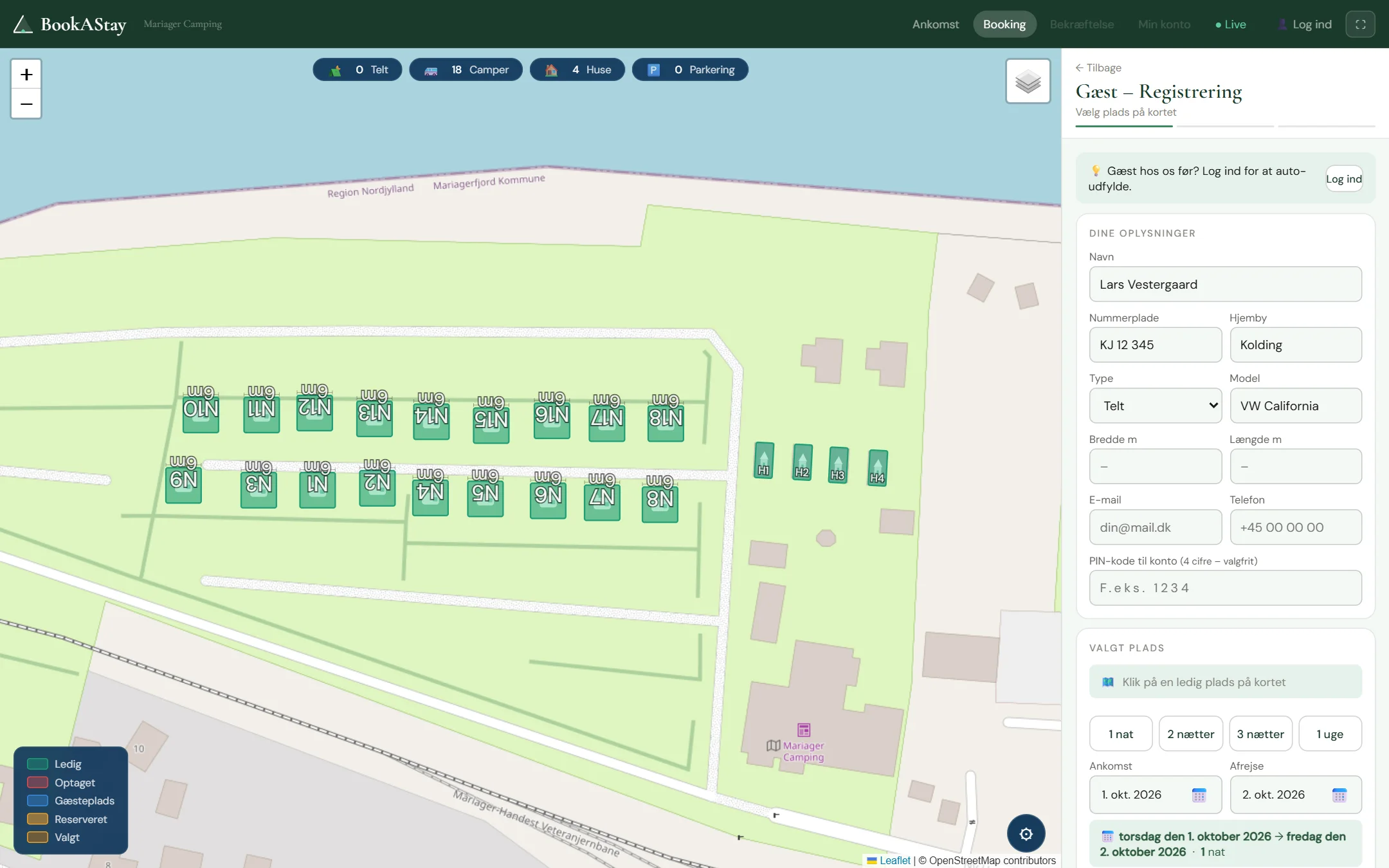
Screenshots taken from the live system.
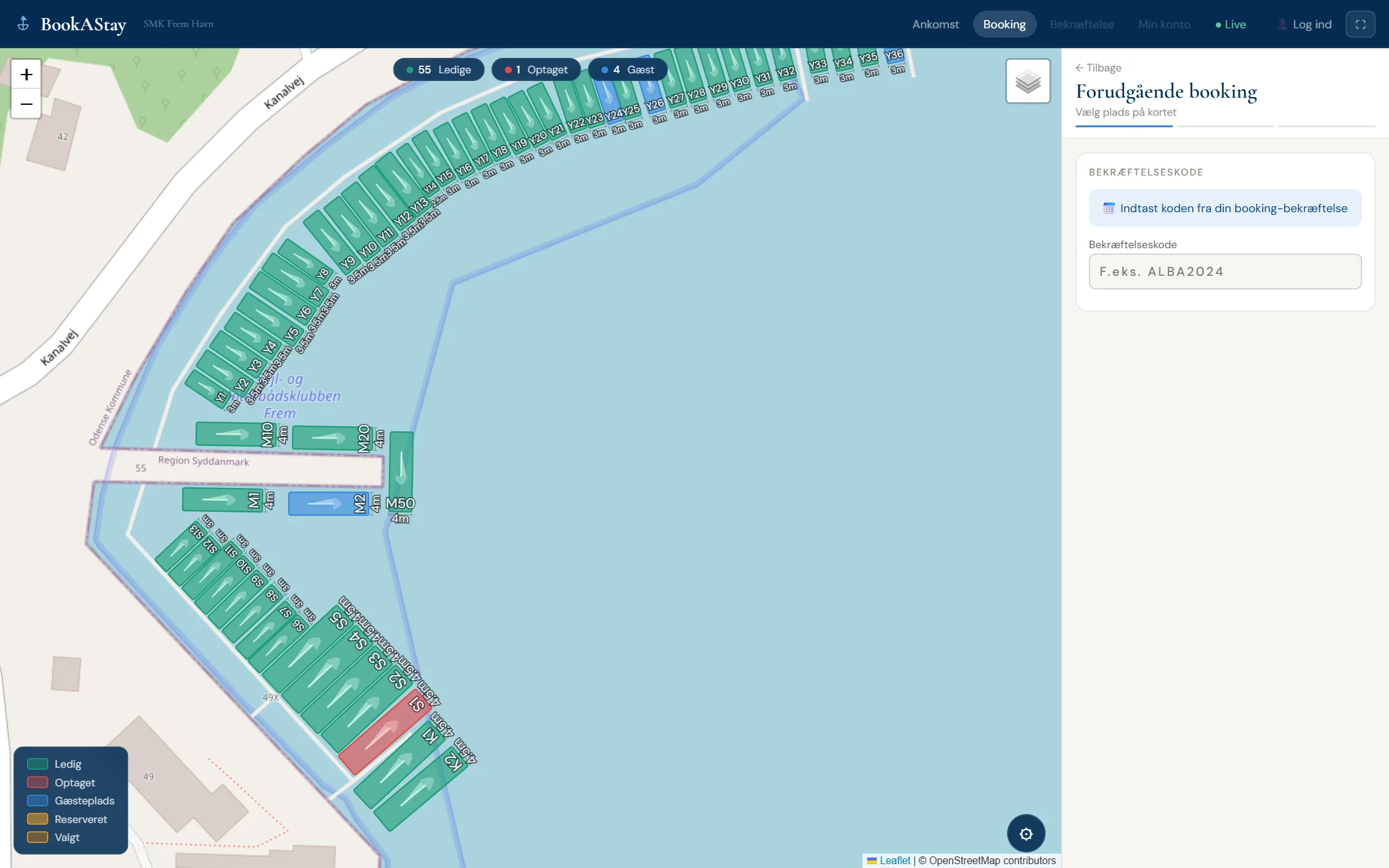
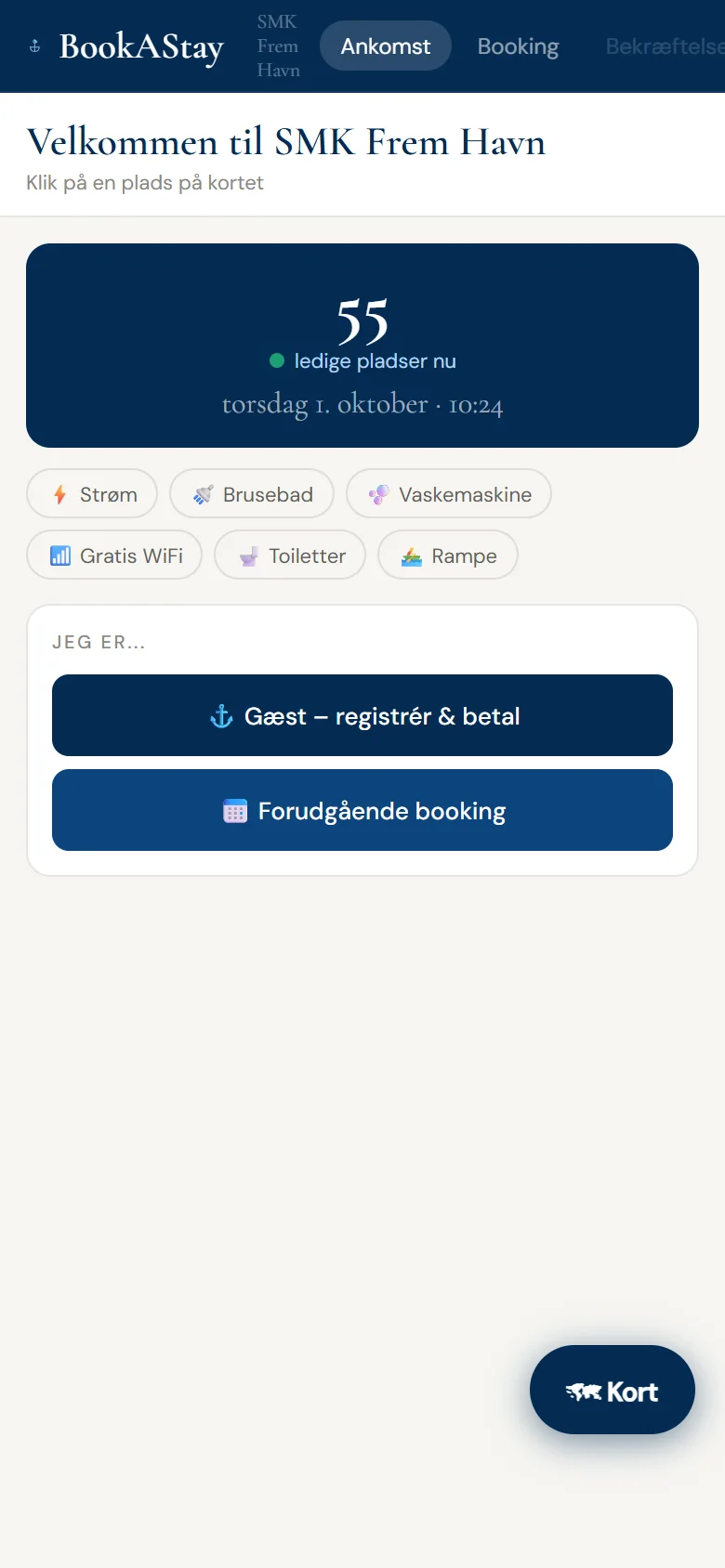
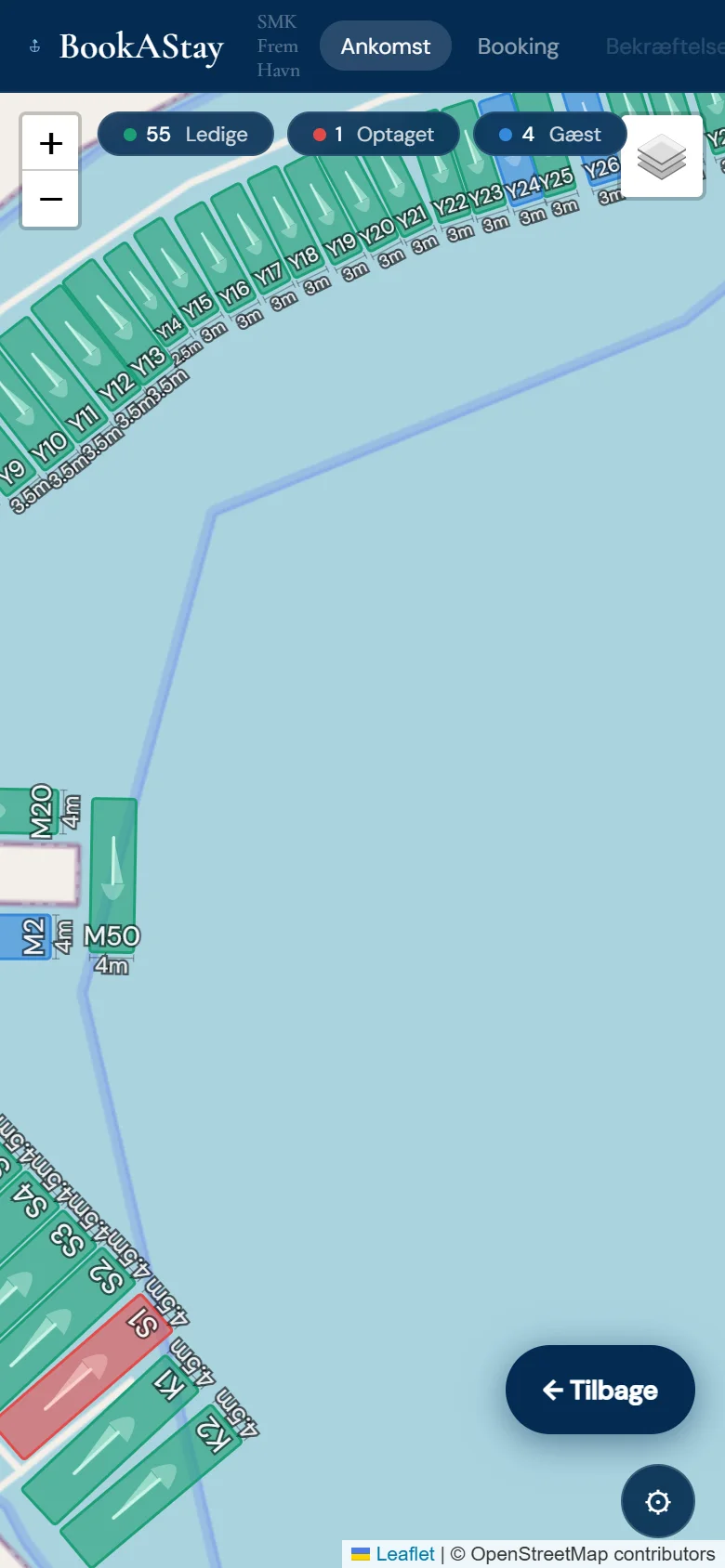
Just as good on mobile
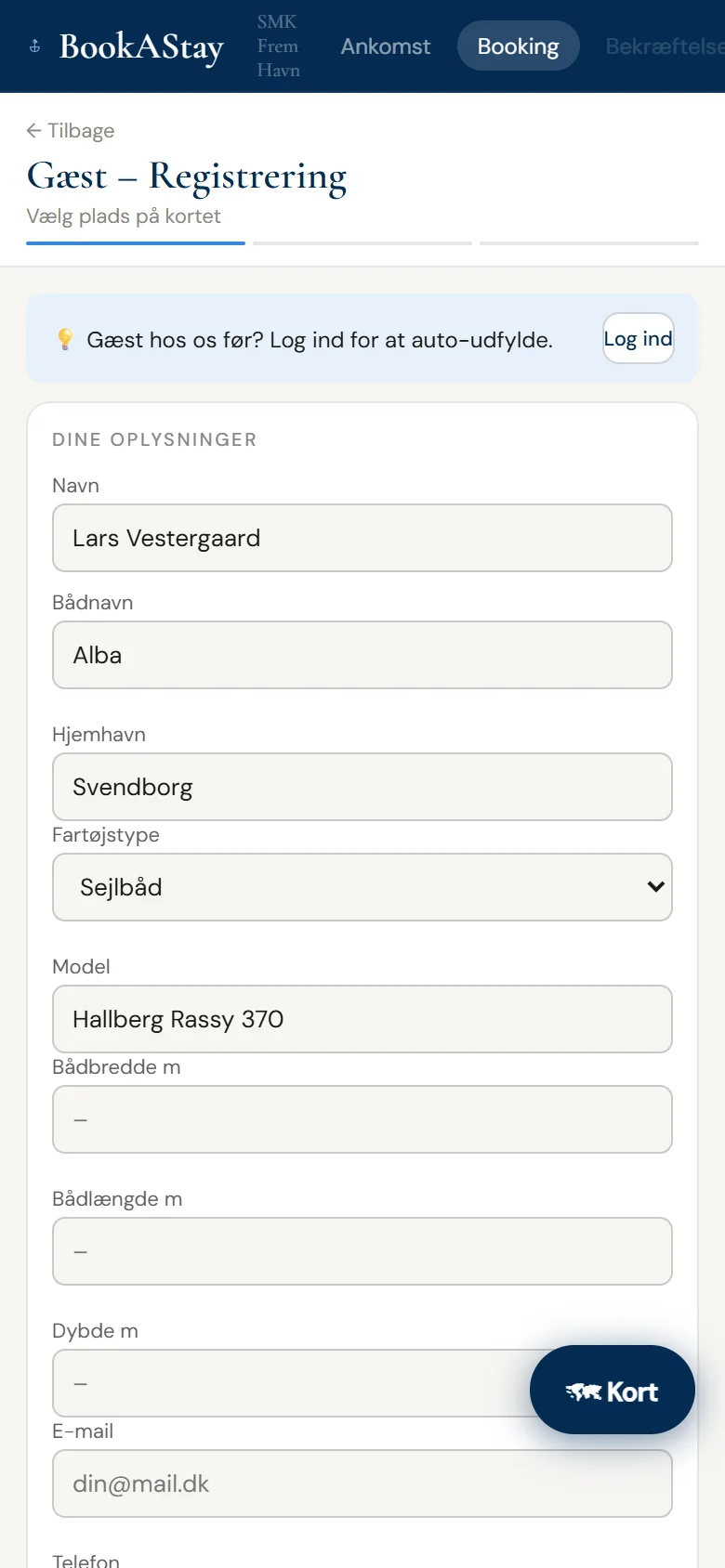
Guests open your page on their own phone – no app to install.
Marina, campsite or both
One system – tailored to your site
Choose a type – marina, campsite or both – and BookAStay switches fields, icons and colours automatically.
Marina
- Berths with width, length and depth
- Guests filter by their boat’s dimensions
- Boat name, home port and vessel type
- Power pedestals with outlets on the pontoon
- Nautical charts from OpenSeaMap
Campsite
- Tents, motorhomes, caravans and cabins
- Power for caravans and motorhomes billed per kWh
- Tents without vehicle fields
- Dedicated green camping theme
- Showers, laundry, bakery and restaurant
Marina + campsite
- Berths and camping pitches on the same map
- Guests choose boat or vehicle
- Fields adapt to the chosen type
- Shared power, showers and laundry for all guests
- One admin and one overview
Running more than one site? Each marina or campsite gets its own subdomain, theme and setup – all brought together on one overview map.
How it works
From arrival to departure in four steps
1
Arrive
The guest opens your page on their phone or uses the terminal at the harbour.
2
Pick a spot
Free spots are shown live on the map. One tap and it’s chosen.
3
Reserve payment
The amount is reserved via MobilePay, card or Apple Pay. The guest gets a personal account link instantly.
4
Use the facilities
Switch on power, start the shower or washing machine from the phone. The final amount is charged at check-out.
Ready to take your harbour office digital?
Pricing is tailored to your marina or campsite. Book a demo and we’ll show you BookAStay and send you a quote.
Contact
Book a demo
Send us a message and we’ll get back to you within one business day.
Emailinfo@bookastay.dk
Phone+45 42 61 79 47